Swarm turns your CRM's own data into locked-in, to-the-penny payouts, then runs payday for you. Recruiting, onboarding, seasons, and planning live in the same place.
Your details are already filled in. Choose whatever works and you're done.
You can also open the scheduler in a new tab.
One wrong cell in a spreadsheet and the trust is gone for the season. Swarm computes each payout once, freezes it, and shows its work.
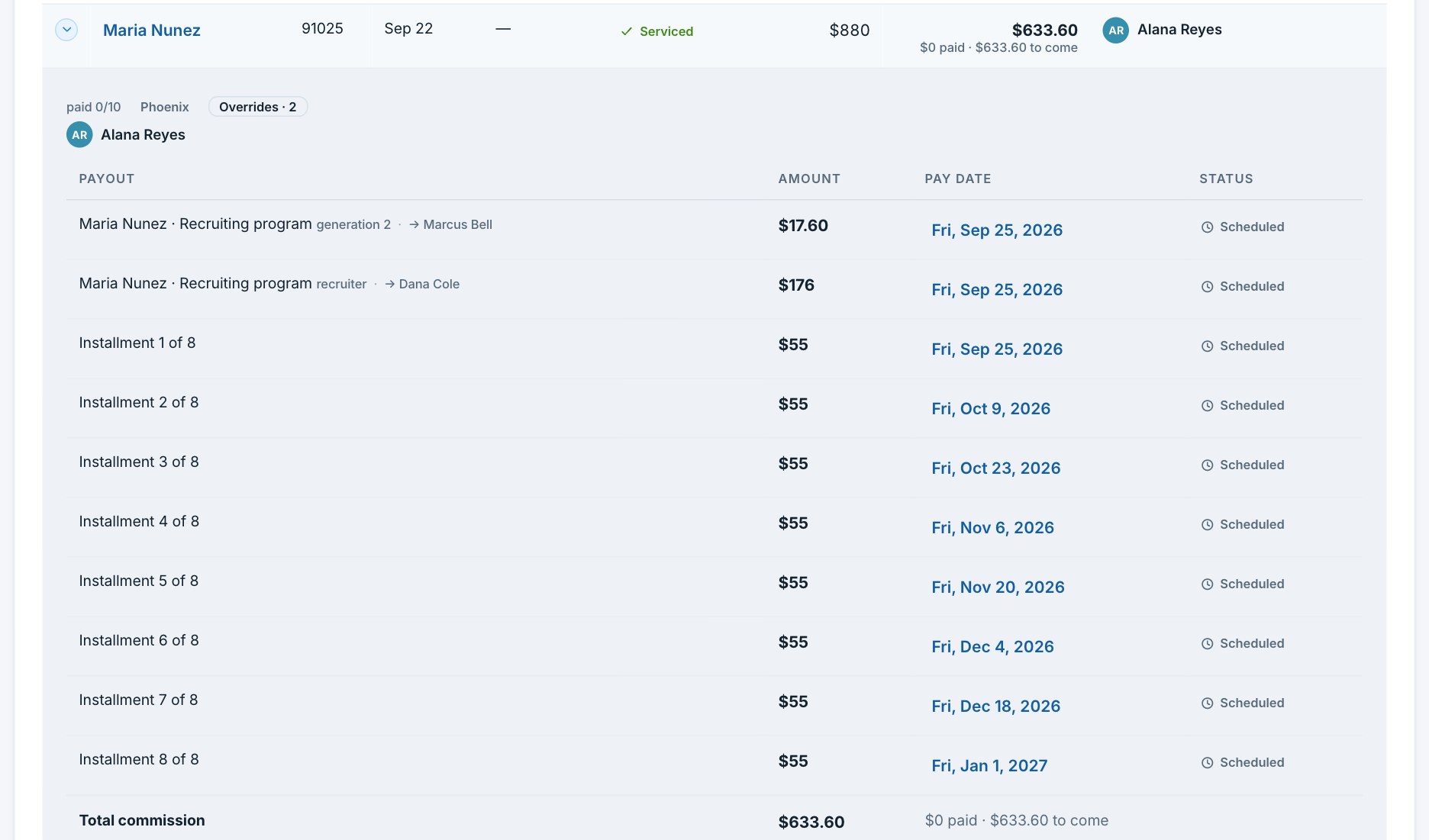
The moment a sale is serviced, Swarm computes the whole payout schedule and freezes it. Every installment, every date. What your rep sees is what they get.
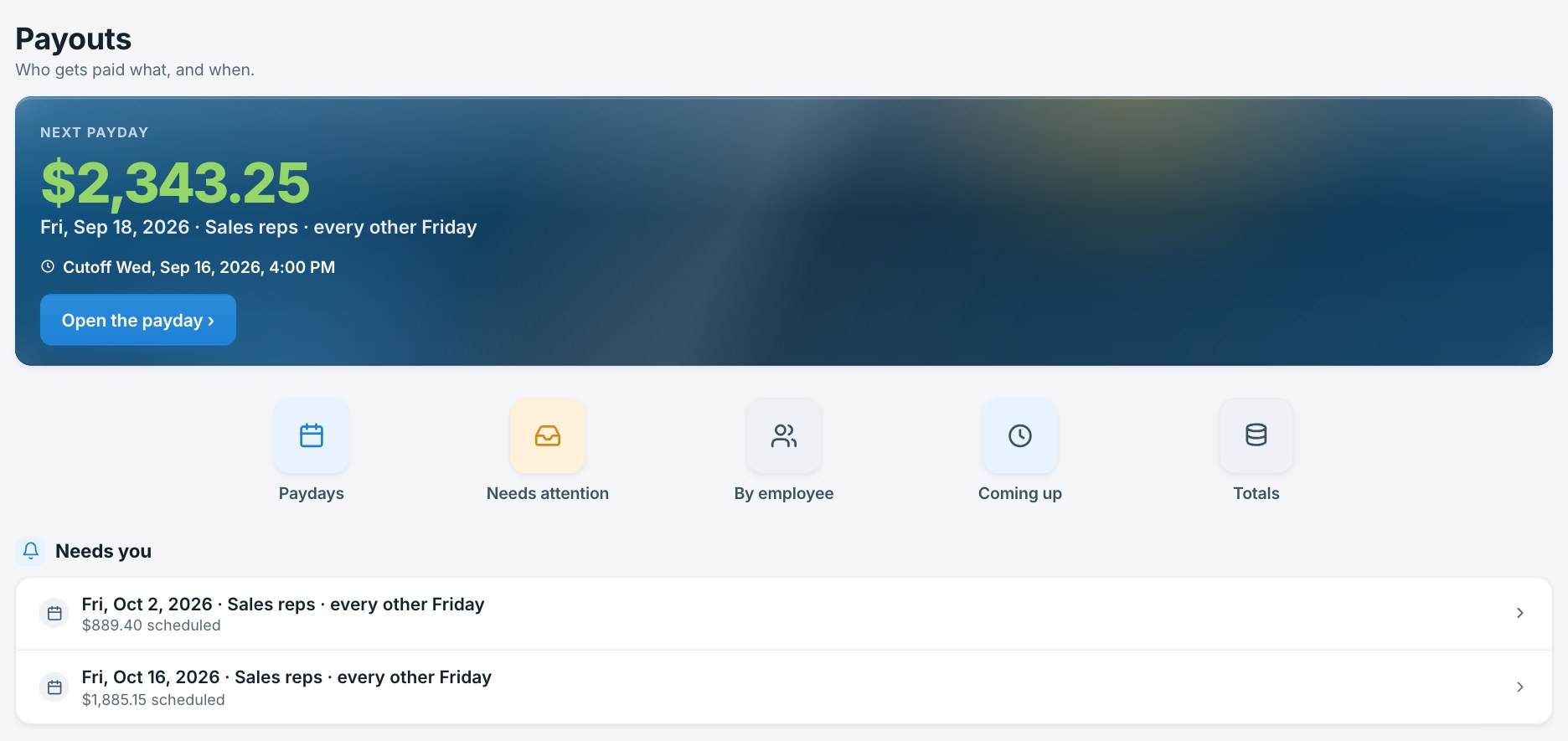
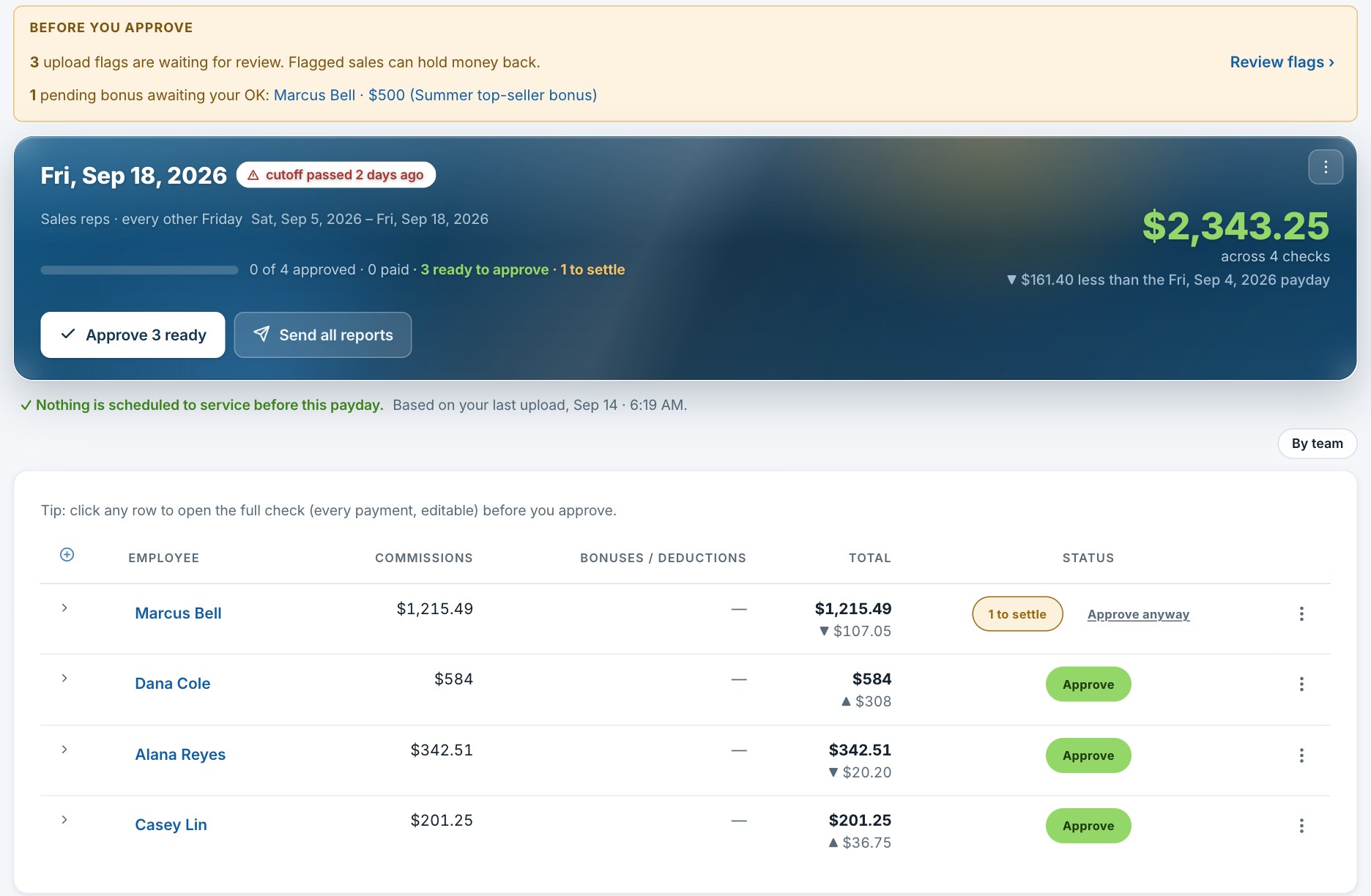
Approve the checks and Swarm does the rest. Reports email themselves on your schedule, reminders go to whoever runs payroll, and pay dates dodge weekends and bank holidays.
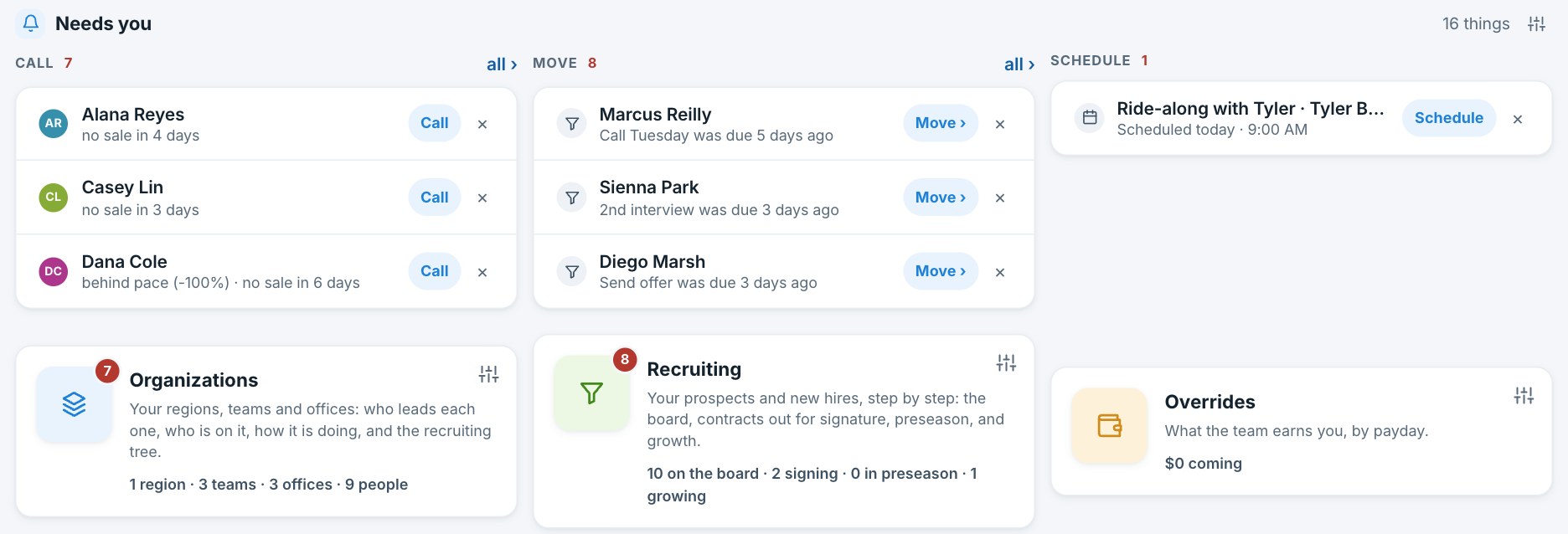
Your people pipeline lives beside the money. Move prospects through recruiting, send a real signing link, onboard them, and their sales start matching the day they are in.
Most tools make you chase your own edits around the app. Swarm works out what your change means and follows it through.
Swarm fits the workflow you already have. It just deletes the spreadsheet part.
Drop in an export from any CRM, or connect a supported one for hands-free sync. Swarm maps the columns and protects every manual edit, split, and note you have made.
Each commissionable sale gets its whole payout schedule computed once and locked. Accurate to the cent, on the right paydays.
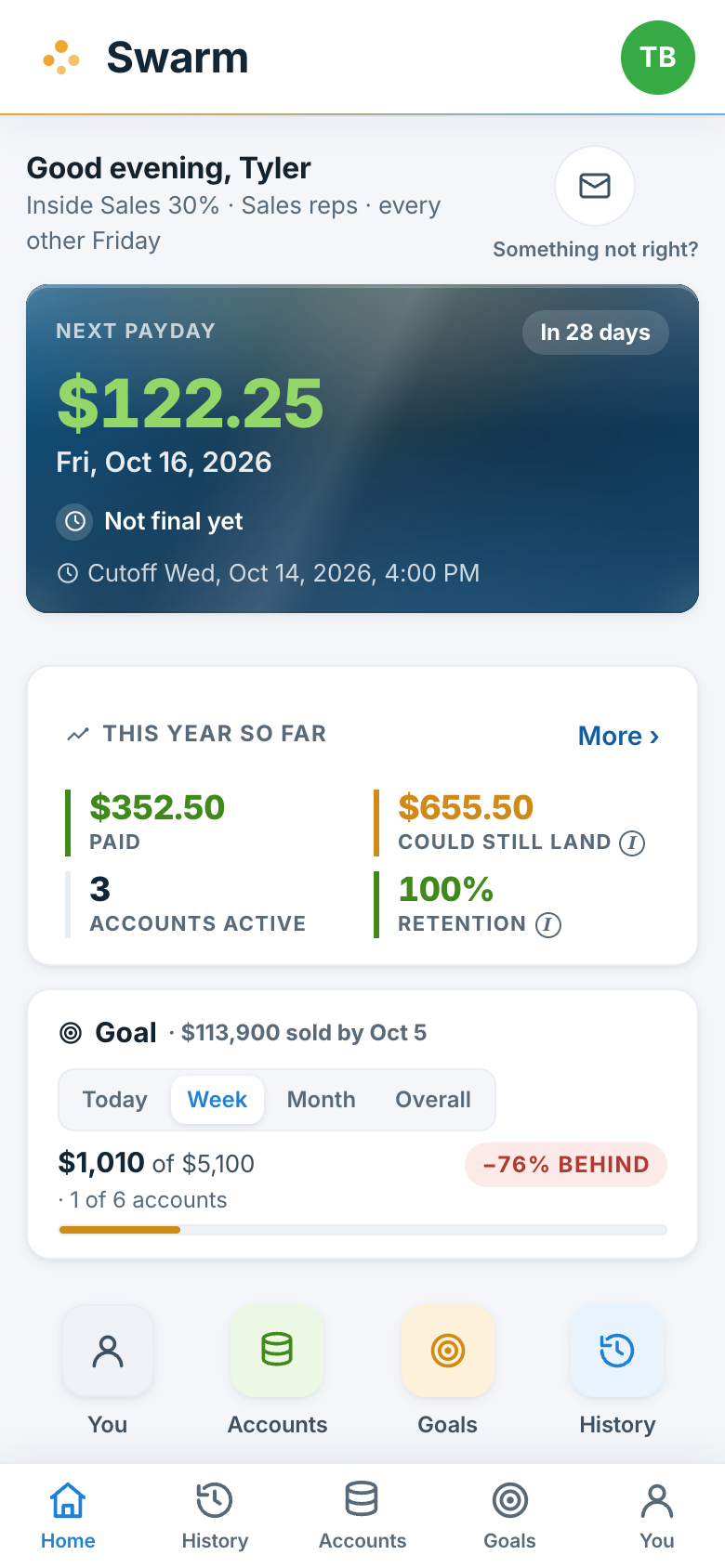
Review the pay period, approve, and the reports go out on their own. Everyone sees exactly what they earned and when.
Swarm was built inside a working pest-control company, not picked off a market-size chart.
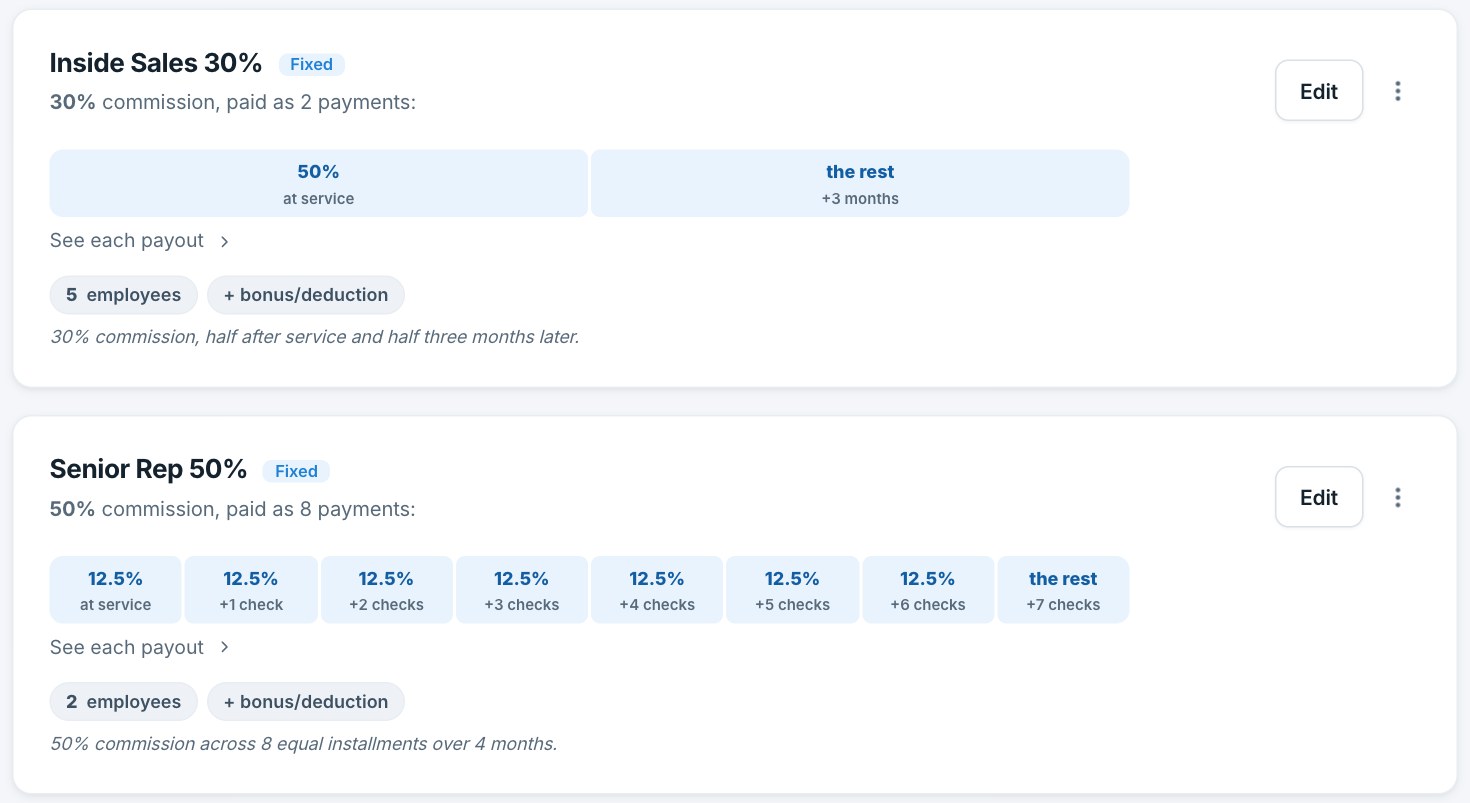
It started as the commission engine for one company's own sales team, and it still runs that company's payday. Every rule in it is there because a real pay plan needed it: installments, season tiers, splits, overrides, chargebacks. Support goes to the people who build it.
Tell us about your team and we will show you how Swarm would handle your commissions. No pressure, nothing to set up first.
Takes about thirty seconds, and you'll pick your demo time right after.
Your details are already filled in. Choose whatever works and you're done.
You can also open the scheduler in a new tab.